
Hello,
I'm using a MacBook (iOS) and receive this error when I try to import the following Ninja Script add on. "The NinjaScript Archive File does not contain an Info.xml file or the file is corrupt. Please check the Archive File." (screenshot attached).
This is the NT8 version indicator I'm trying to download/import: https://ninjatraderecosystem.com/use...oad/bstvolume/
How do I fix this?
Additional infö if it helps:
- I'm using a 2016 MacBook (iOS) with Parallels (windows 10)
- I'm using the NT8 demo version. I log into and use NinjaTrader 8 (64 bit).
- When I download a script, my computer doesn't zip the file so I first compress (zip) the file, then I try to import the zipped file (screenshot attached)
- It looks like a there's is an info.xml file is in the folder (screenshot attached)
- I'm not savvy with coding or rewriting scripts! lol
- I added the available "Volume up down" indicator in NT8 on my chart and works fine (not sure if I can only use "standard" indicators)
- I also tried downloading/importing another NT8 version indicator and get the same exact /error situation. This is the link: https://ninjatraderecosystem.com/use...download/vwap/
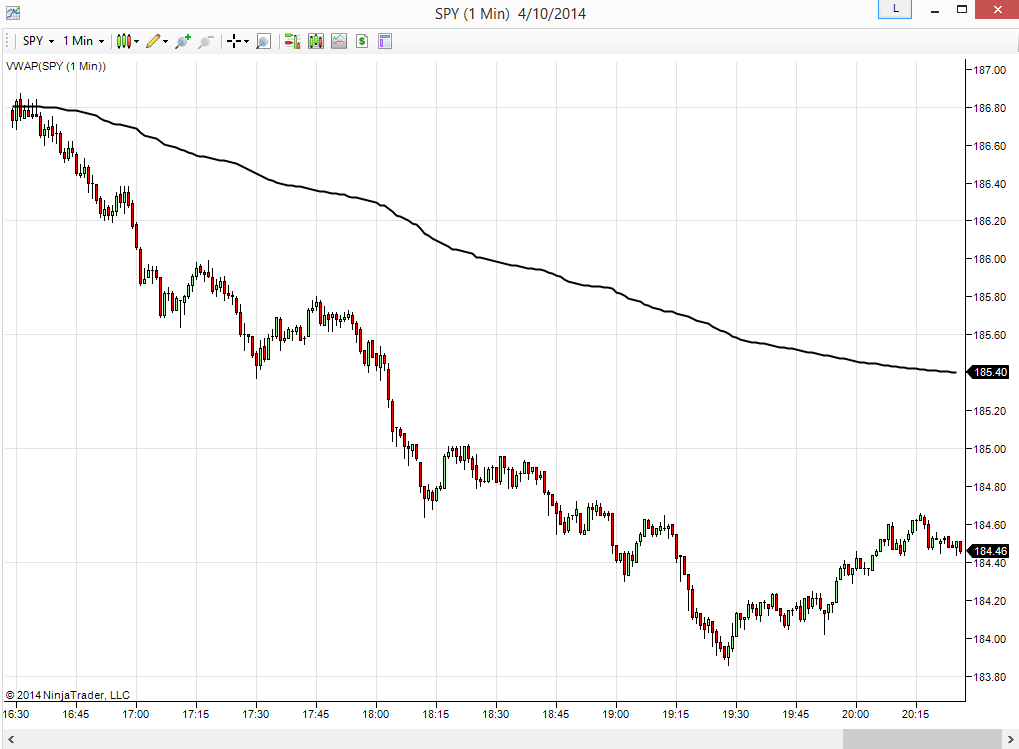
Also checking if I can download/use NT7 indicators (vs NT8) like this VWAP?:
Trying to ensure I'm able to utilize everything before I fully commit.
Thanks for any help!
I'm using a MacBook (iOS) and receive this error when I try to import the following Ninja Script add on. "The NinjaScript Archive File does not contain an Info.xml file or the file is corrupt. Please check the Archive File." (screenshot attached).
This is the NT8 version indicator I'm trying to download/import: https://ninjatraderecosystem.com/use...oad/bstvolume/
How do I fix this?
Additional infö if it helps:
- I'm using a 2016 MacBook (iOS) with Parallels (windows 10)
- I'm using the NT8 demo version. I log into and use NinjaTrader 8 (64 bit).
- When I download a script, my computer doesn't zip the file so I first compress (zip) the file, then I try to import the zipped file (screenshot attached)
- It looks like a there's is an info.xml file is in the folder (screenshot attached)
- I'm not savvy with coding or rewriting scripts! lol
- I added the available "Volume up down" indicator in NT8 on my chart and works fine (not sure if I can only use "standard" indicators)
- I also tried downloading/importing another NT8 version indicator and get the same exact /error situation. This is the link: https://ninjatraderecosystem.com/use...download/vwap/
Also checking if I can download/use NT7 indicators (vs NT8) like this VWAP?:
Trying to ensure I'm able to utilize everything before I fully commit.
Thanks for any help!
Attached Files

Comment