
Is there a way to change the NinjaScript Editor Single Line Comment color from gray to green to make code comments more visible over the black background, other than using triple slash characters to make all comments XML Documentation Comments? If not, I propose either making the Single Line Comment color user-selectable or permanently changing it to green.
-
Hello caveat_lector,
Thanks for your post.
This would be controlled by the Skin. You can open the skin file under Documents\NinjaTrader\templates\Skins\YourSkin\Blu ePrint.xaml with a text editor like Notepad and change the following line to a different hexadecimal color. If you Google "Hex Color Picker" you can use a tool to pick hexadecimal color codes.
<SolidColorBrush po:Freeze="true" x:Key="NinjaScriptEditorCommentForeground" Color="#7B7466" />
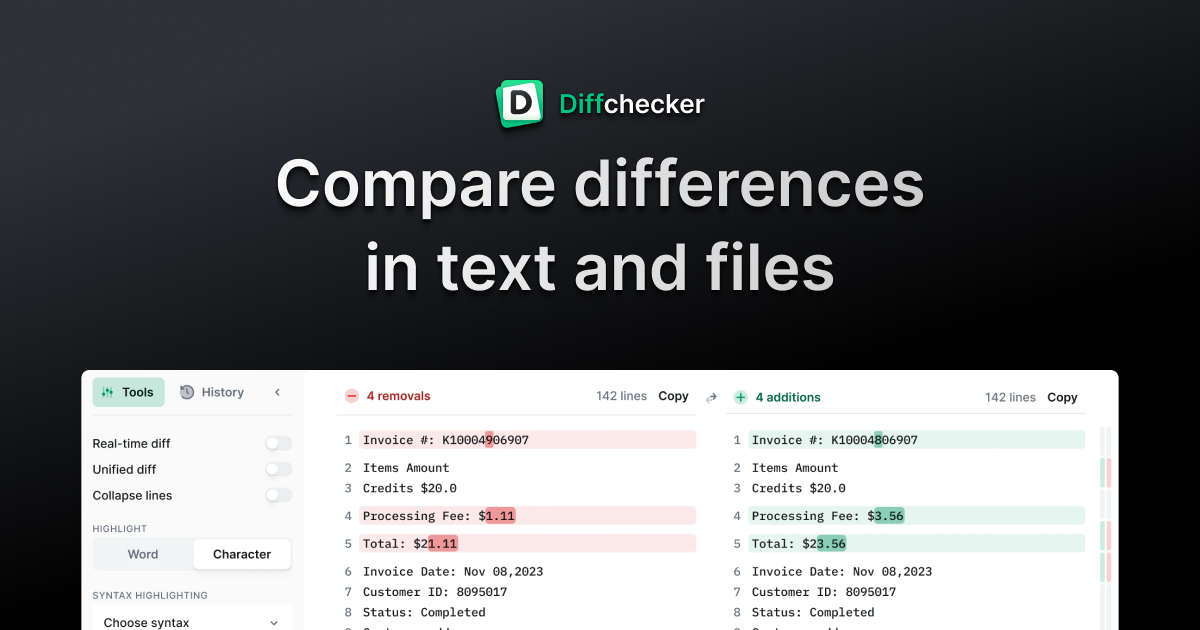
I would also recommend copying the skin and making your modifications in this new skin so your changes do not get overwritten with updates to the platform. New skin items may be added, so you need to keep your skin current with any new keys that are added. I would suggest using a diff utility to quickly compare your skin XAML to another skin so you can identify those change. A publicly available diff utility can be found below and more robust free utilities can be found online as well.
We look forward to assisting.Comment
| Topics | Statistics | Last Post | ||
|---|---|---|---|---|
|
0 responses
123 views
0 likes
|

by kinfxhk
07-14-2026, 09:39 AM
|
|||
|
0 responses
104 views
0 likes
|
by kinfxhk
07-13-2026, 10:18 AM
|
|||
|
0 responses
82 views
0 likes
|
by kinfxhk
07-13-2026, 09:50 AM
|
|||
|
0 responses
102 views
0 likes
|
by kinfxhk
07-13-2026, 07:21 AM
|
|||
|
0 responses
83 views
0 likes
|
by kinfxhk
07-11-2026, 02:11 AM
|
Comment