
-
Hi rt6176,
Thank you for your note.
Yes, this is new for version 7.
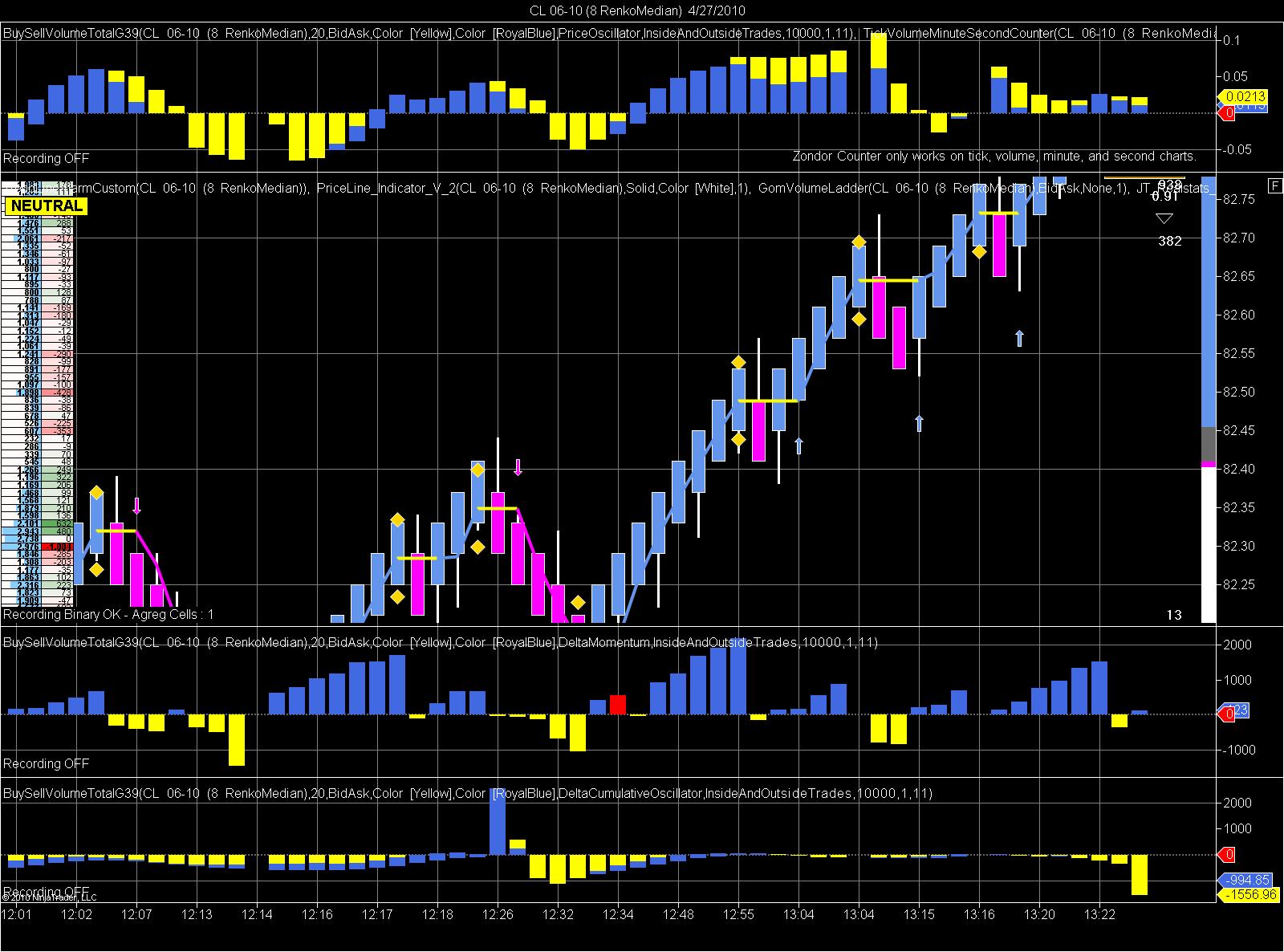
If you prefer that your price bars be plotted in Panel 1, left click on the bars currently in Panel 1, then drag your mouse and release near the bottom boundary of the chart.
For more information about adjusting the panel where indicators or price bars are plotted, please see the following link to our Help Guide: http://www.ninjatrader.com/support/h...ng_a_chart.htmKyleNinjaTrader Customer Service

| Topics | Statistics | Last Post | ||
|---|---|---|---|---|
|
0 responses
362 views
0 likes
|

by CaptainJack
05-29-2026, 05:09 AM
|
|||
|
0 responses
234 views
0 likes
|
by CaptainJack
05-29-2026, 12:02 AM
|
|||
|
0 responses
205 views
1 like
|
by charlesugo_1
05-26-2026, 05:03 PM
|
|||
|
1 response
290 views
0 likes
|
|
|||
|
0 responses
246 views
0 likes
|
by CarlTrading
05-11-2026, 05:56 AM
|
Comment