Jonners
Announcement
Collapse
No announcement yet.
Partner 728x90
Collapse
NinjaTrader
Better Volume Indicator
Collapse
X
-
Better Volume Indicator
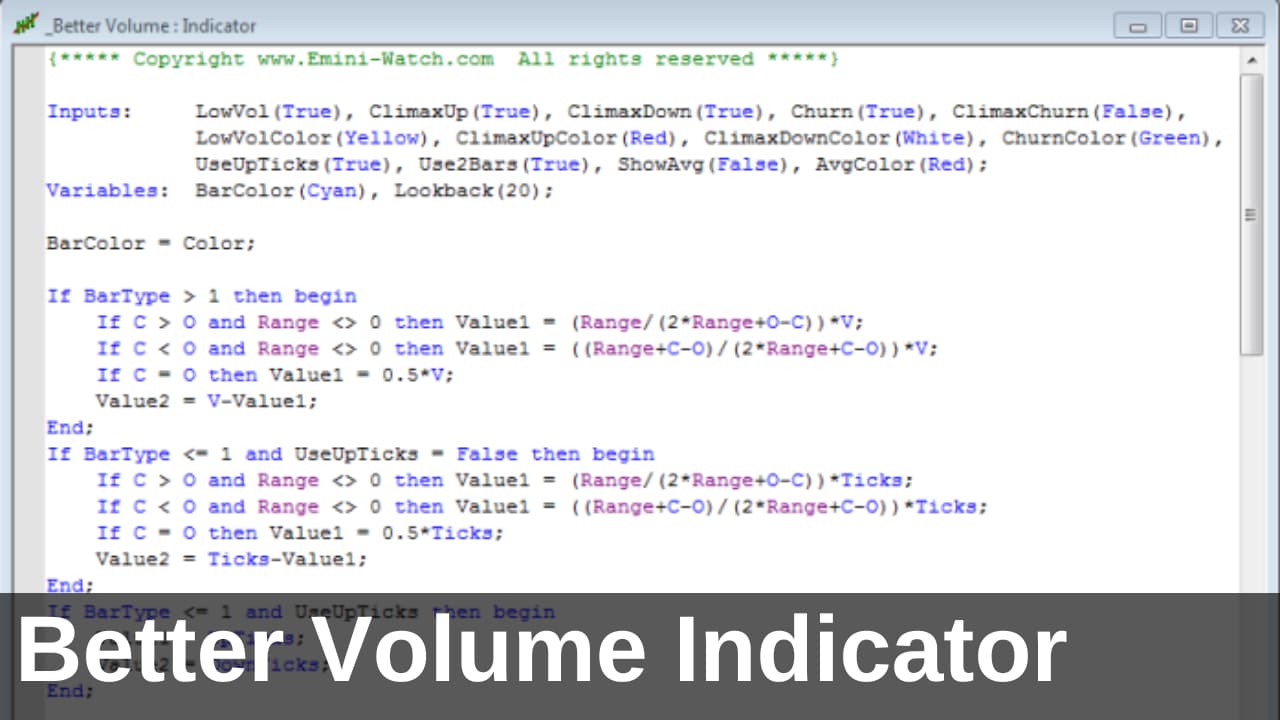
I have the Better Volume indicator for N7. When selected the indicator paints the candles when certain criteria is met by the program but what I would like to do is to is add a audible alerts to the paint bars. I cannot program but would like to know how could get this done.
JonnersTags: None
-
Do not know how to do this can you recommend anyoneOriginally posted by NinjaTrader_RyanM View PostHello Jonners,
Thank you for your post.
This does require a little programming. You will have to edit the indicator and add an alert or sound statement to the block that changes the color. Some example statements are available in the links below:
http://www.ninjatrader.com/support/h.../playsound.htm
Comment
-
-
Here is a block that changes color.
if (paintbars && bc > 0) BarColor = Plots[bc].Pen.Color;
To add an alert, that plays sound, you could make this change:
Code:if (paintbars && bc > 0) { BarColor = Plots[bc].Pen.Color; Alert("myAlert", NinjaTrader.Cbi.Priority.High, "Reached threshold", "Alert1.wav", 10, Color.Black, Color.Yellow); }Ryan M.NinjaTrader Customer Service
Comment
-
-
Hello [email protected],
Thank you for your response.
I am not aware of a Better Volume indicator for NinjaTrader 8. Can you link over the NinjaTrader 7 version on this forum that you are looking for in NinjaTrader 8?
I look forward to your response.
Comment
-
The Emini watch post says that the Better volume is NT7 and NT8 but I am not able to load the indicator on my NT8 platform. It says the indicator was made for an older version. Here is the link again.
Comment
-
Hello [email protected],
Thank you for your response.
In the file you download named 'BetterVolume_NT7_and_NT8.zip' there should be another file named 'BetterVolume_Free_NT8.zip' that you should be able to import into NinjaTrader 8. You would need to export the 'BetterVolume_Free_NT8.zip' from the 'BetterVolume_NT7_and_NT8.zip' file.
Please let me know if you have any questions.
Comment
-
I was able to load the indicator in but I do not see it in my indicator list from the script editor . But it is listed as indicators to use on the charts. Now question is can I use this indicator in a script. I can not find the source.
Comment
-
Hello [email protected],
Thank you for your response.
The file you downloaded from the link is a protected assembly, meaning the code is not viewable. Please contact the vendor of the product for information on their product.
Please let me know if you have any questions.
Comment
-
Latest Posts
Collapse
| Topics | Statistics | Last Post | ||
|---|---|---|---|---|
|
Started by Geovanny Suaza, 02-11-2026, 06:32 PM
|
0 responses
649 views
0 likes
|
Last Post
|
||
|
Started by Geovanny Suaza, 02-11-2026, 05:51 PM
|
0 responses
370 views
1 like
|
Last Post
|
||
|
Started by Mindset, 02-09-2026, 11:44 AM
|
0 responses
109 views
0 likes
|
Last Post
by Mindset
02-09-2026, 11:44 AM
|
||
|
Started by Geovanny Suaza, 02-02-2026, 12:30 PM
|
0 responses
573 views
1 like
|
Last Post
|
||
|
Started by RFrosty, 01-28-2026, 06:49 PM
|
0 responses
576 views
1 like
|
Last Post
by RFrosty
01-28-2026, 06:49 PM
|

Comment